01
AccountCreate a Cloudflare account
- Open dash.cloudflare.com/sign-up
- Sign up with email, or continue with Google / Apple
- Verify your email if prompted
- The Free plan is sufficient for a single Home Assistant hostname
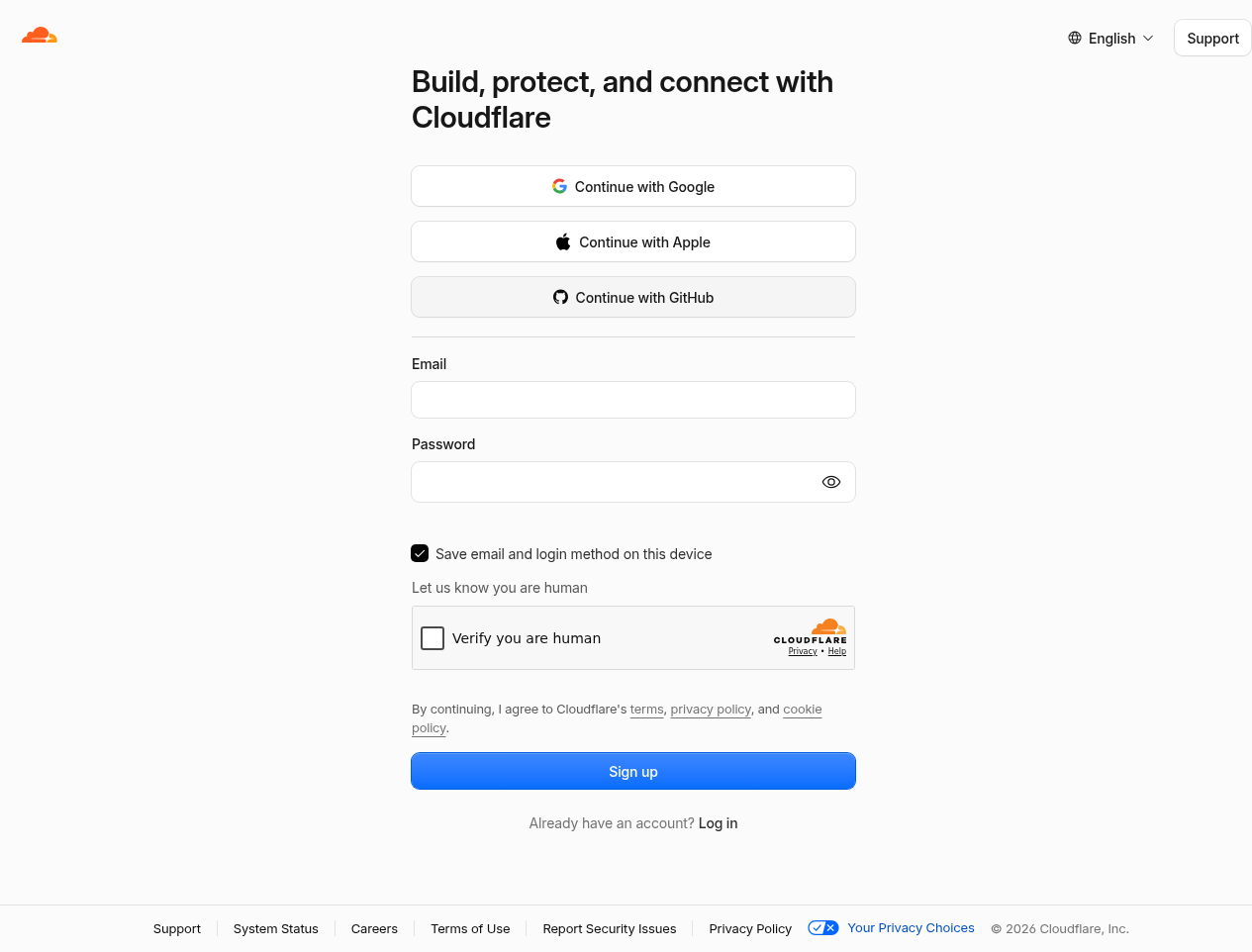
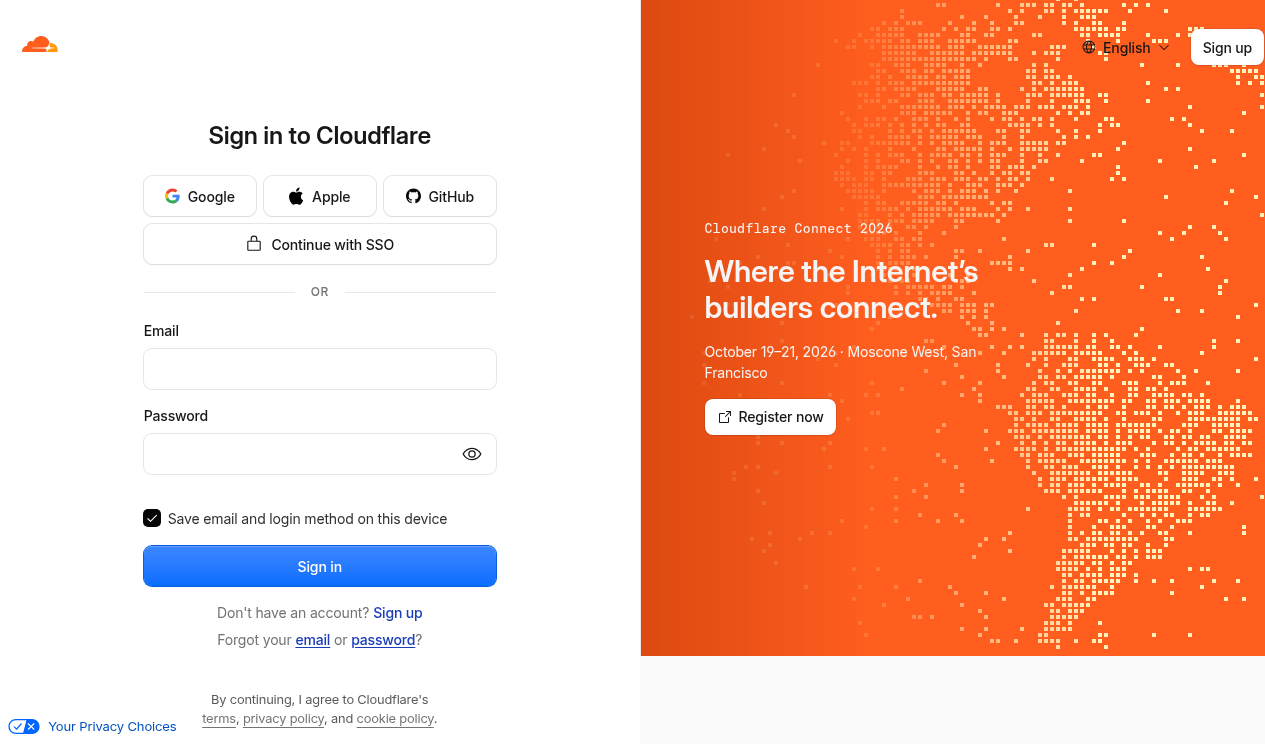
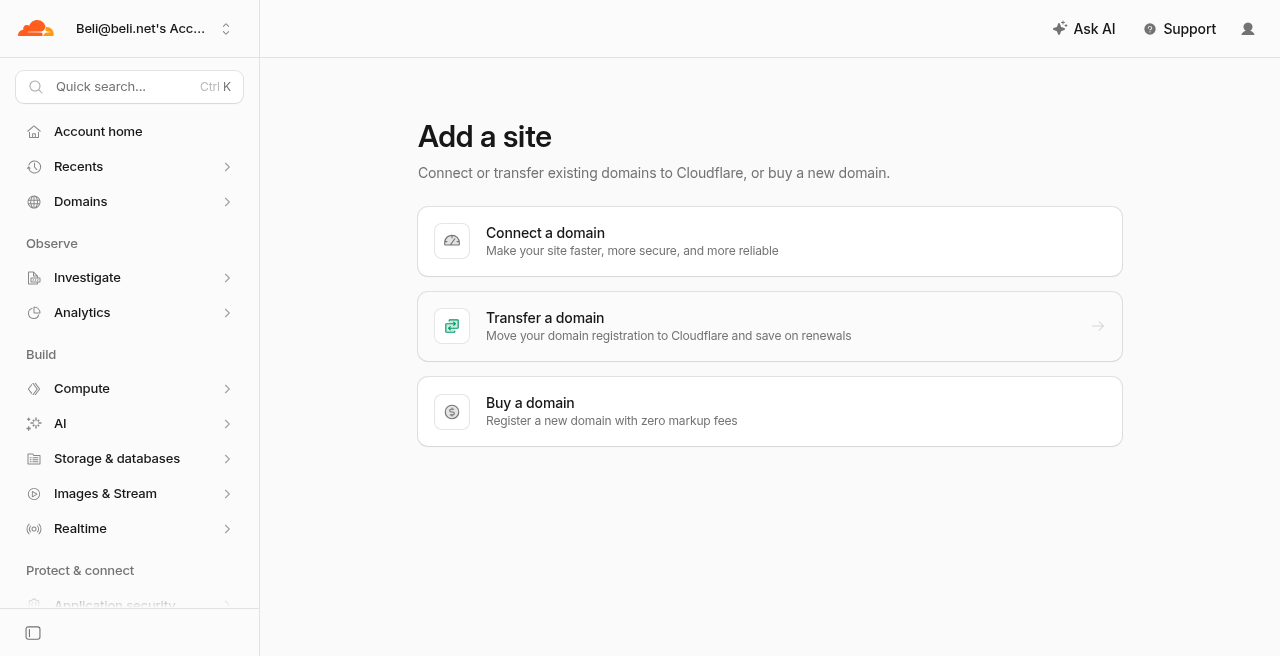
Create a Cloudflare account and Tunnel so the house Home Assistant is reachable at a stable https:// URL — without opening router ports — before installing Patrimony Collection. This is step 01 of the path for the next house.
Do not expose Home Assistant by opening port 8123 on the router. A Cloudflare Tunnel creates an outbound encrypted connection from the house to Cloudflare. Traffic reaches HA only through the hostname you publish.
01
Account
02
Domainexample.com) and continue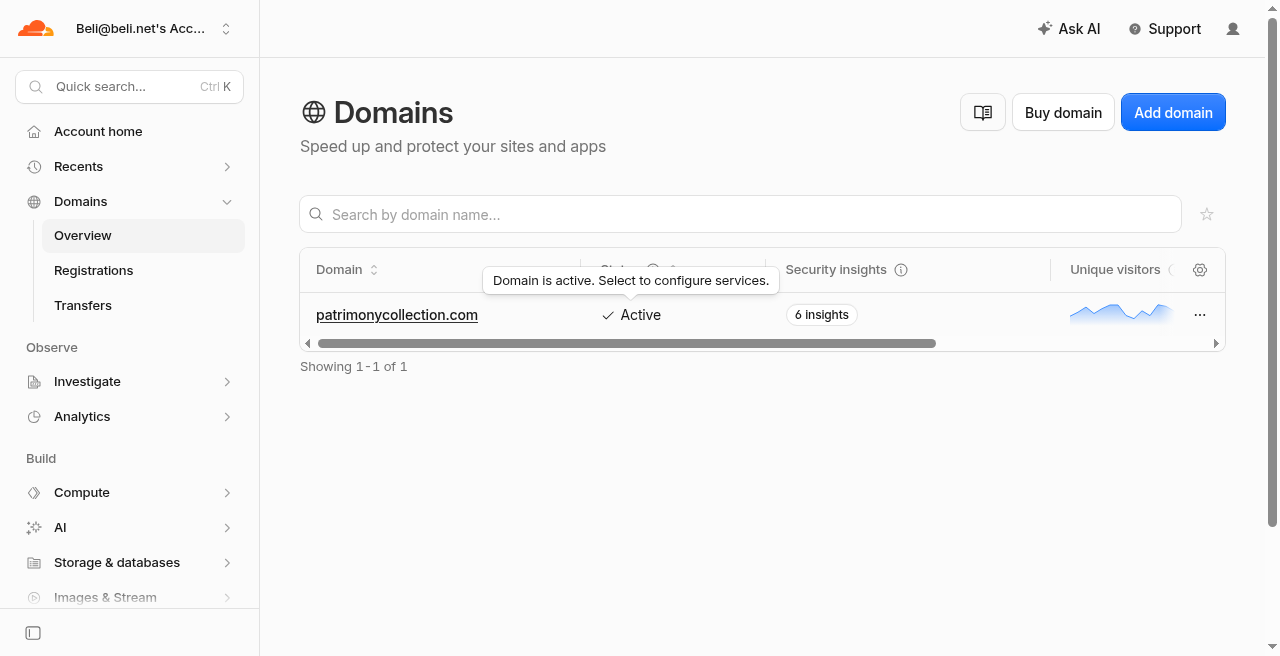
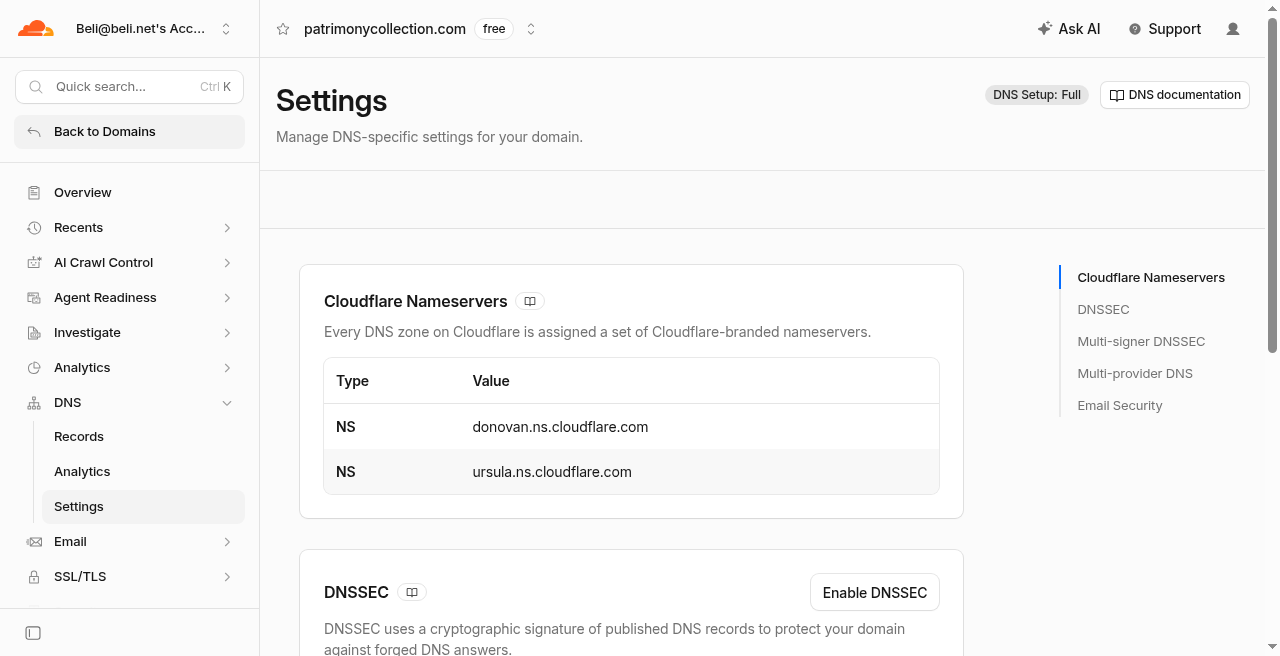
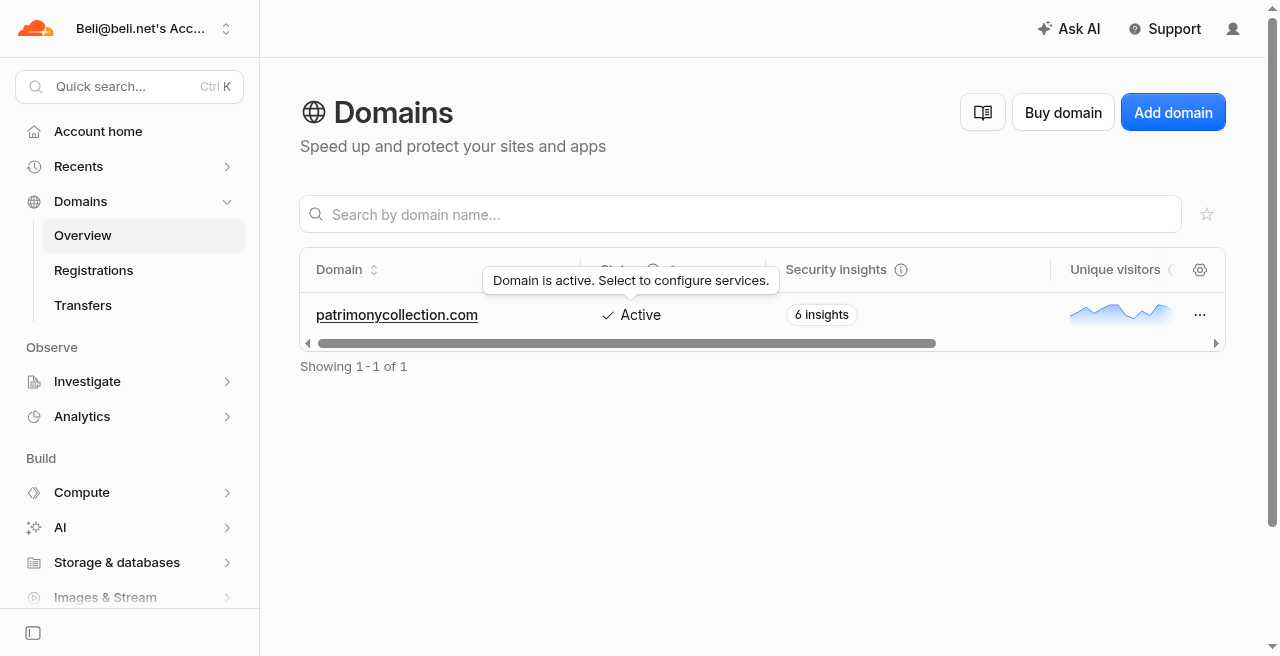
03
NetworkHome Assistant needs WebSockets through Cloudflare.
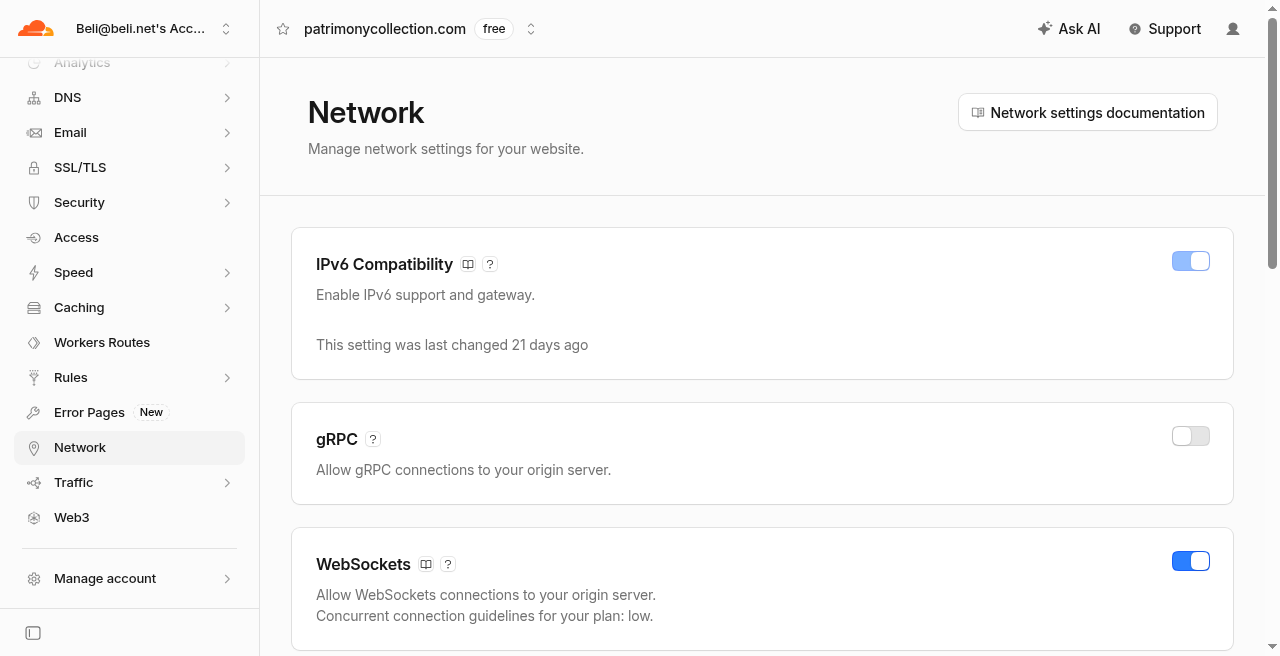
04
Home AssistantDo this before starting Cloudflared so the first remote request is accepted.
configuration.yaml. If you do not see the toggles, use the YAML block.UI (when available)
172.30.33.0/24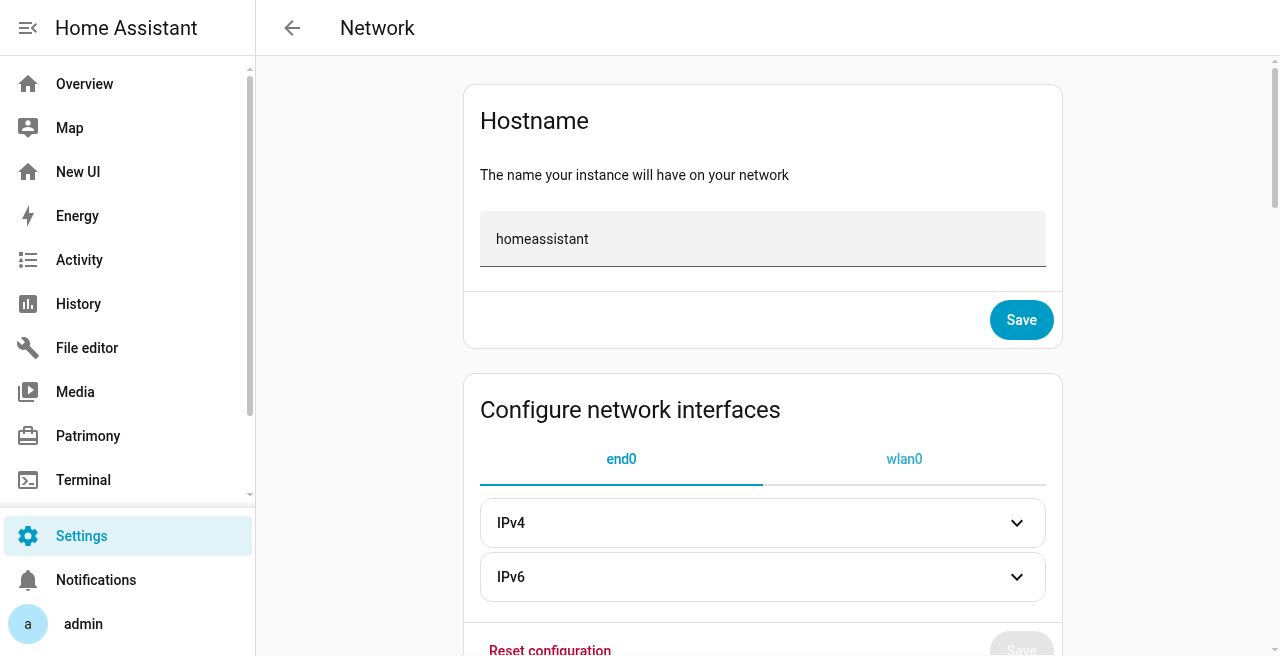
Or in configuration.yaml (always works):
http:
  use_x_forwarded_for: true
  trusted_proxies:
    - 172.30.33.0/24
Restart Home Assistant after saving.
05
TunnelOn Home Assistant OS, the Cloudflared add-on can create and manage the tunnel for you.
https://github.com/homeassistant-apps/app-cloudflaredha.example.com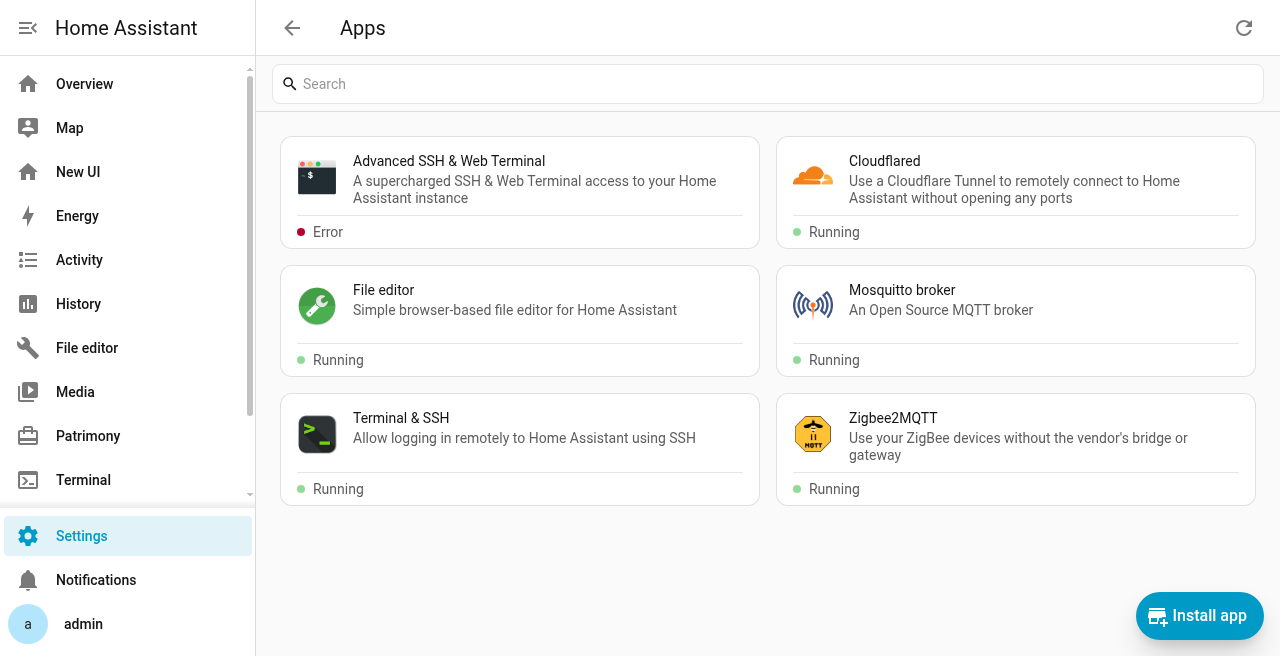
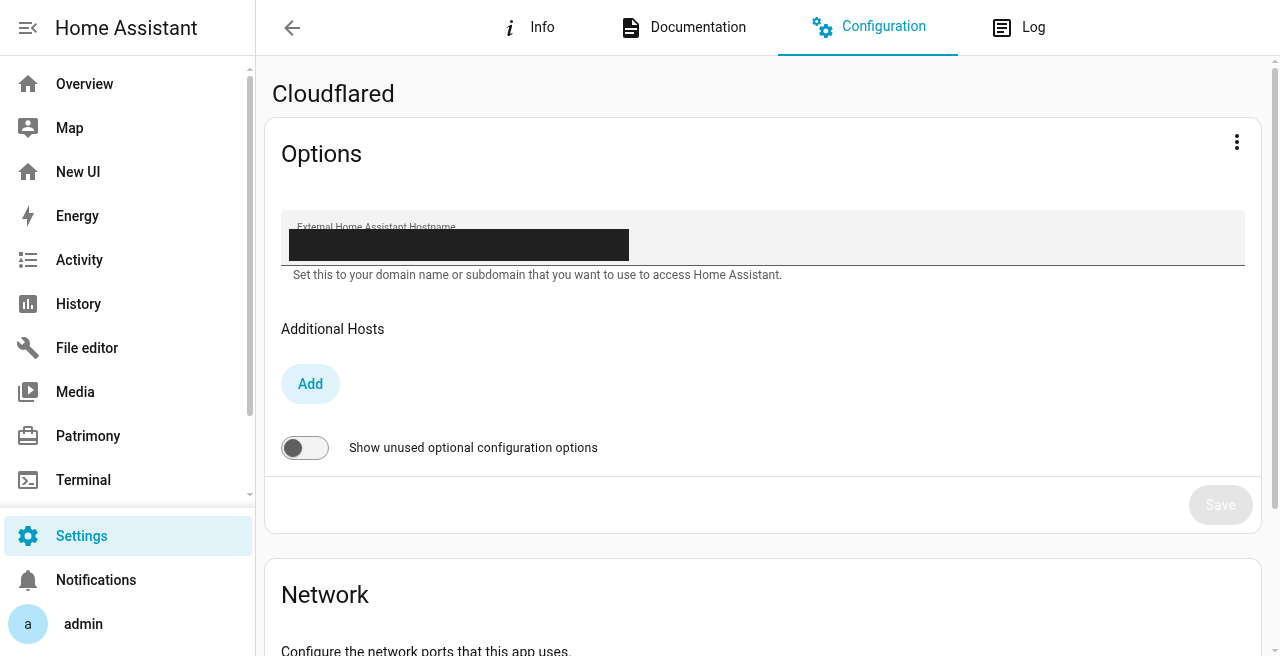
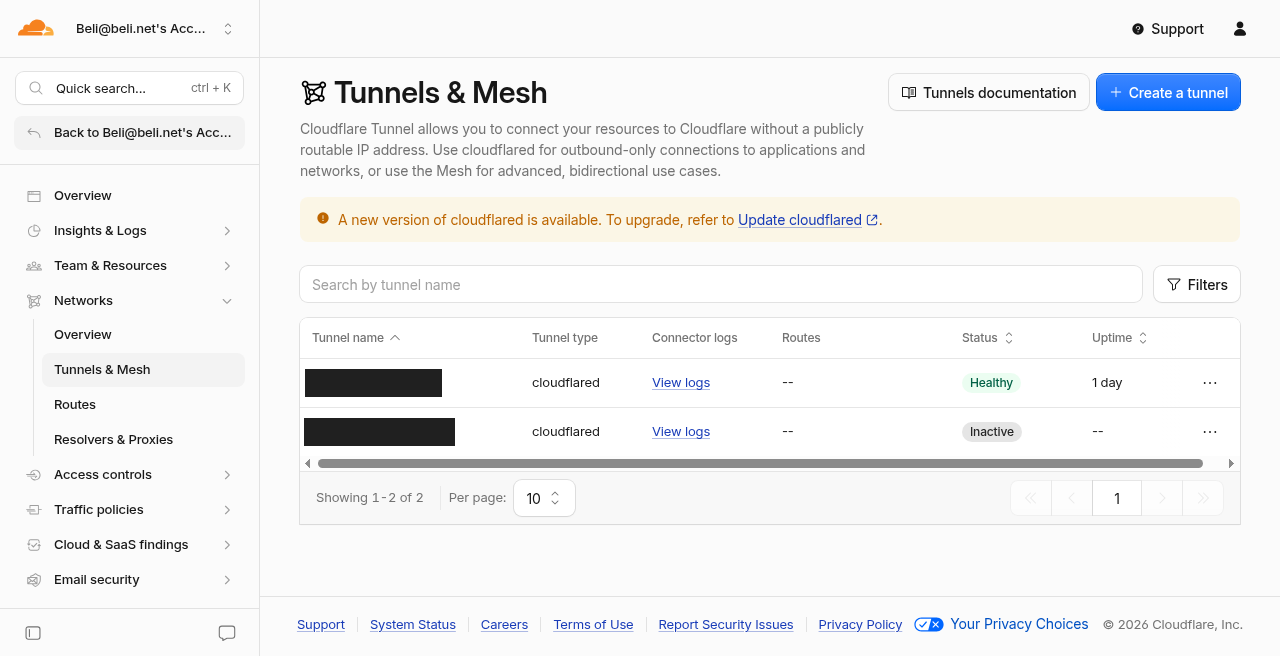
--token value into the add-on’s tunnel_token field, and publish a hostname pointing at http://homeassistant:8123. Treat the tunnel token like a password.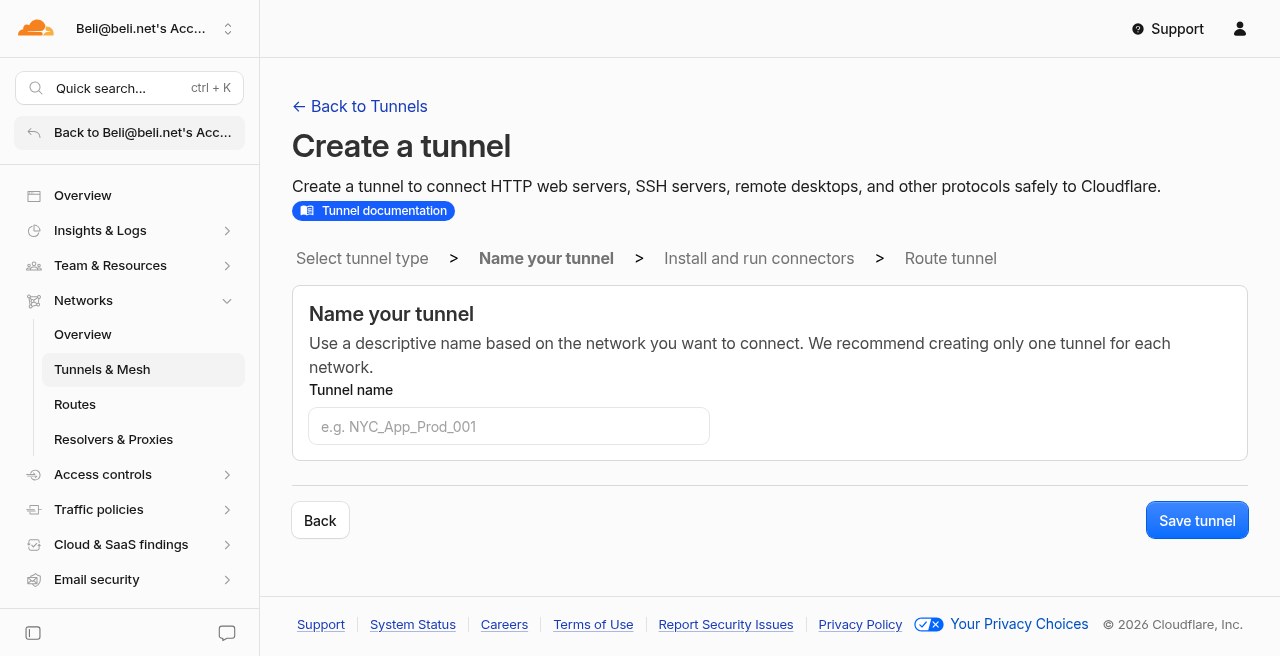
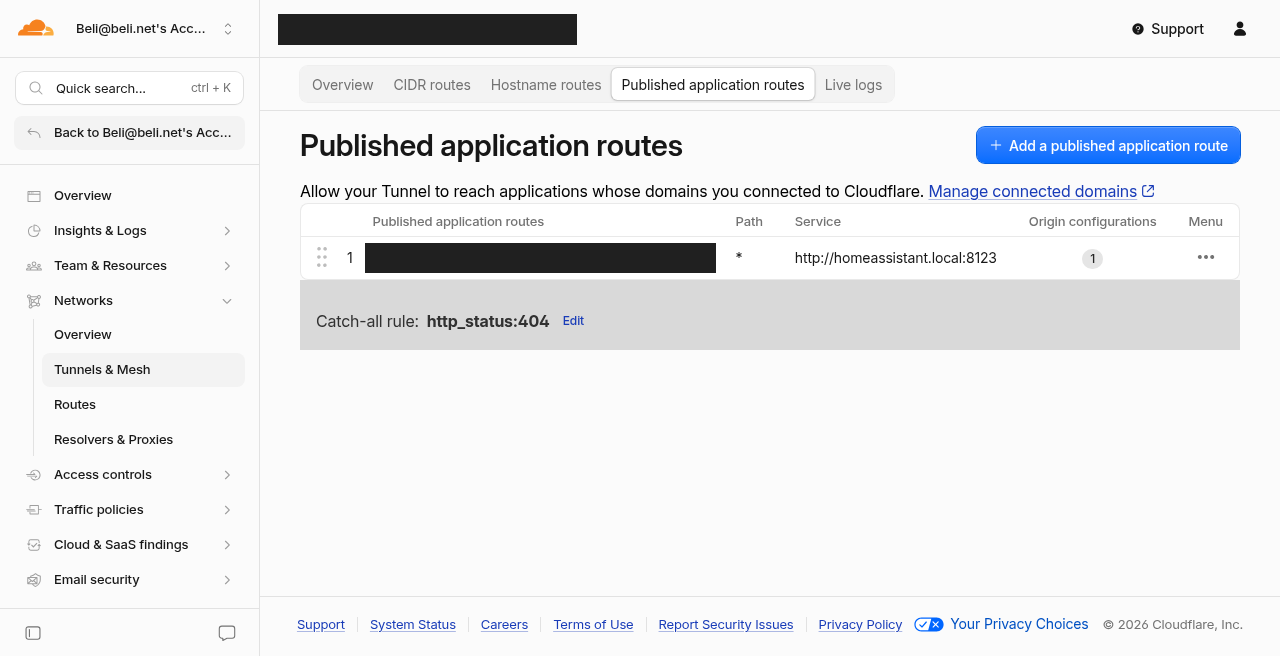
06
Verifyhttps://ha.example.com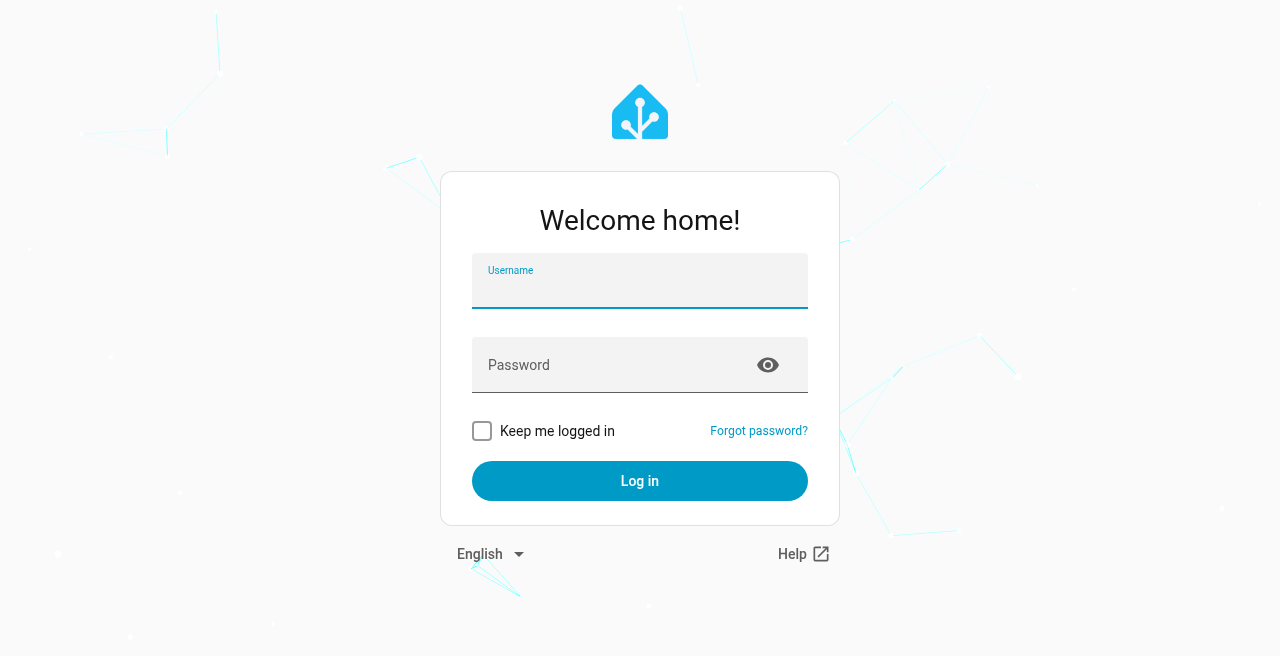
07
HandoffKeep the tunnel token private. Only the public HTTPS URL is needed for onboarding. Use a neutral name such as https://ha.example.com — not a town or property hostname. Install Patrimony Collection afterward.
| Item | Example |
|---|---|
| Home Assistant URL | https://ha.example.com |
| Notes | Tunnel via Cloudflare; HA OS + Cloudflared add-on |
Next sitting: install the custom component, mint a pairing QR, claim in iOS. Repeat on the Add another home checklist.
| Symptom | Check |
|---|---|
| Domain stuck Pending | Registrar nameservers must match Cloudflare; wait up to 24h; disable DNSSEC at the registrar before switching if needed |
| Tunnel Inactive / Down | Cloudflared add-on running? Auth / token completed? Host online? |
| 400 Bad Request / reverse proxy errors | Trusted proxies 172.30.33.0/24 and trust X-Forwarded-For |
| DNS works but connection fails | Published service URL / external hostname wrong |